Top 10 best Shopify themes for SEO update [2026]
![Top 10 best Shopify themes for SEO update [2026]](/wp-content/themes/devdiy/assets/images/blog/top-10-best-shopify-themes-seo-2026.webp)
A Shopify theme will not rank a store by itself. In 2026 it still decides whether a collection can be crawled, whether the product page says what the product is, and whether a phone can load the price before the shopper leaves. On devdiy.com we treat an SEO update as three jobs: keep the URLs that already earn visits, let a merchant edit the template without a developer, and remove the apps that fight that template. This list is the set of theme paths we put in front of a catalog when those jobs matter. It is not a badge chart.
How we scored these paths
Six checks, and you can run them this afternoon. The product title is a real H1. Collection filters do not hide products behind a script search engines never see. Images have width, height, and alt text. The theme does not hardcode one currency in a custom snippet. A section can change without a file that blocks the next update. A test order still completes after publish. We judge the product page on a mid-range phone, not an empty homepage. DEVDIY themes keep the title, the price, and the first image as the content. Extra sliders are sections you can turn off.
1. Fashion and Apparel
Clothing pages lose search when size, fabric, and care live only in a photo. The Fashion and Apparel theme puts those facts in text under the title, with a size guide that is a section rather than a screenshot. Use it for garments with real variants. Before you touch the homepage, write fabric, fit, and the shipping window on your best seller, assign the template, and confirm the H1 matches the title you want indexed. Do not rename the handle to make it pretty. Redirect only when a real product rename forces the old URL to die.
2. Beauty and Cosmetics
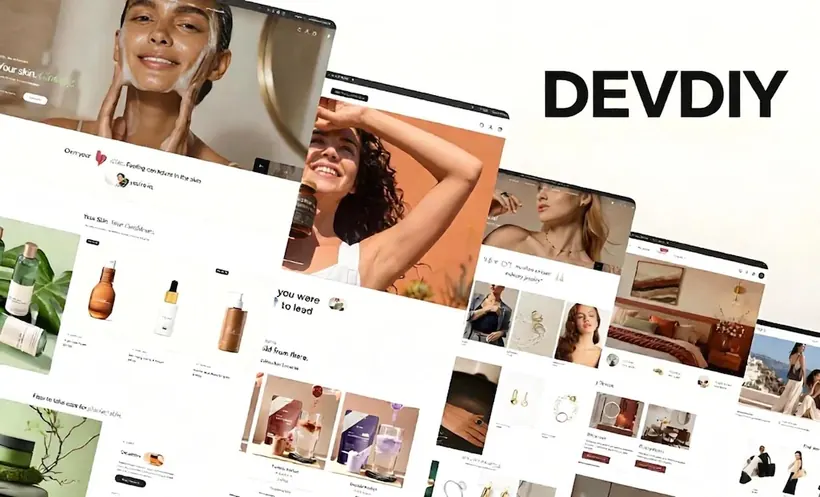
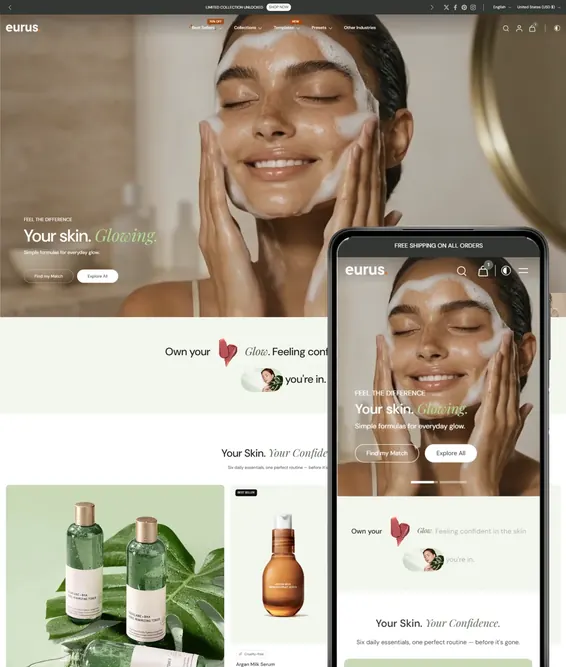
Answer engines quote the sentence you wrote, not the mood of the hero image. The Beauty and Cosmetics theme has a place for ingredients, kit contents, and routine steps in normal text. Shade and size stay as variants so you do not split one product across a dozen URLs. List the ingredients customers already ask about and put them under an H2. Delete claims you cannot make in your market instead of hiding them in a PNG. Preview on a phone and keep price and add to cart on the first screen.
3. Jewelry and Accessories
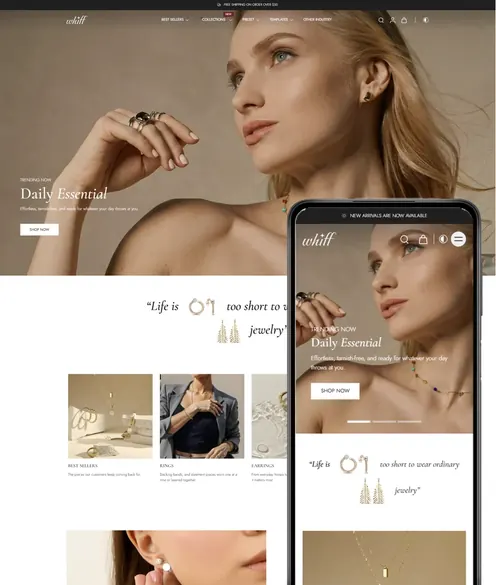
Jewelry queries name a metal, a length, or a gift. This theme pairs a high-zoom gallery with text for materials and gift notes. Keep one URL per design and use variants for length or plating. Write one sentence under the title that names the metal and who it is for. Alt text should repeat the product name. Link to the collection a shopper would type, such as earrings or rings, and leave seasonal banners off the handle.
4. Home and Furniture
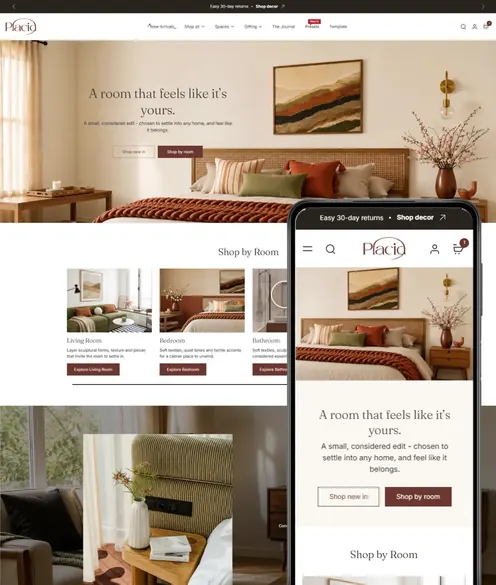
Furniture queries ask for dimensions, materials, and whether a piece fits a room. The Home and Furniture theme is for that longer page: swatches, a spec block, and room context that is still text. Large photos are required and they are the usual reason the page is slow, so compress them and set dimensions. Put width, depth, and height in words, not only in a diagram. If the piece is made to order, say the lead time in a sentence. That sentence is the query, and it cuts the returns that follow a vague page.
5. Electronics
Spec sheets that live only in a PDF do not help the page that has to rank. The Electronics theme expects a spec table and a compatibility note in the template. Compatibility is a search query, so name the devices or standards you support, and name what the product does not work with when that mistake is common. Put five buying specs in one table under an H2. Remove any app that reprints the same specs in a tab loaded by script. Two tables that disagree will be the one a snippet quotes.
6. Food and Beverage
Food search is ingredients, allergens, and how the jar ships. This theme supports bundles and subscriptions without hiding the product behind a landing page. Allergen text has to be real text, and the price has to show even when a subscription widget is present. Write the ingredient list and the ship window before you design the bundle grid. If you sell into the EU, confirm the page can show the market currency. Seasonal flavors can be variants, or a new product with a redirect from the old name people still search.
7. Sports and Outdoor
Outdoor shoppers search by activity and conditions, not by an internal collection code. The Sports and Outdoor theme leads with that navigation so a collection can be trail, gym, or travel without a menu hack. Say the use, the weight, and the care on the product. Rename collections to the words customers type and 301 the old collection URLs the same day. Link kit pieces with normal anchors. If a campaign needs a new activity name, change the banner, not the collection handle.
8. Multi-purpose
Use the multi-purpose theme when the catalog truly spans two businesses and forcing it into Fashion or Electronics would make the navigation lie. If eighty percent of revenue is one type of product, pick that industry theme instead. Draw the menu on paper first. Each collection that you want found needs a short unique introduction, not a repeated slogan. Write those introductions before you publish. Empty collection text is a ranking page you already own and then ignore.
9. Summit for wholesale catalogs
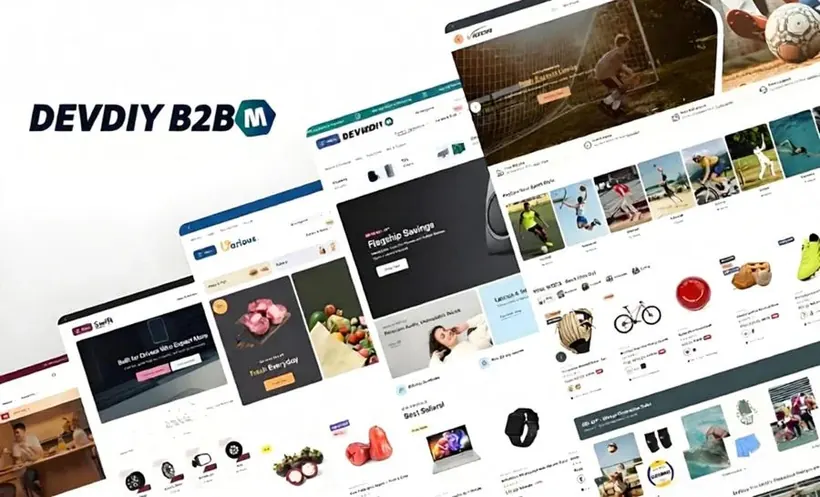
Summit is the DEVDIY theme for large B2B catalogs, and it belongs here because wholesale stores still get found. Guests should see enough public copy to understand the product. Approved companies should see the contract price. A login wall with no indexable text gives search nothing to quote, and a single public price leaks the contract. Decide which fields are public, usually the name, the use, and the lead time. Publish those in HTML. On an unpublished copy, check the logged-out paragraph and the logged-in contract price before you go live.
10. Dawn as the baseline
Shopify’s Dawn theme is the honest baseline, not a DEVDIY product. It is a sensible SEO update when the catalog is small, every visitor sees the same price, and you will not spend the next quarter rebuilding industry sections with apps. Each of those apps is another script and another break on the next bump. Duplicate Dawn, write collection introductions, fix alt text, and measure the product page on a phone. Stay if the page is already clear. Move to the DEVDIY theme that already has the missing section, whether that is a size guide, a spec table, or Summit’s company price. Do not install five apps to imitate it.
Publish without throwing rankings away
Cut over on an unpublished copy. Keep a fourteen-day baseline of sessions and purchases. Click every old URL that ads or sales emails still use. Prefer not to change handles. When you must, add the redirect the same day and keep the previous theme installed for two weeks. If purchases fall to zero while sessions stay normal, roll back before you redesign anything. The update is done when the product page still says what the product is, the old links still land, and a stranger can buy it on a phone.